

KK8 Frequently Asked Questions
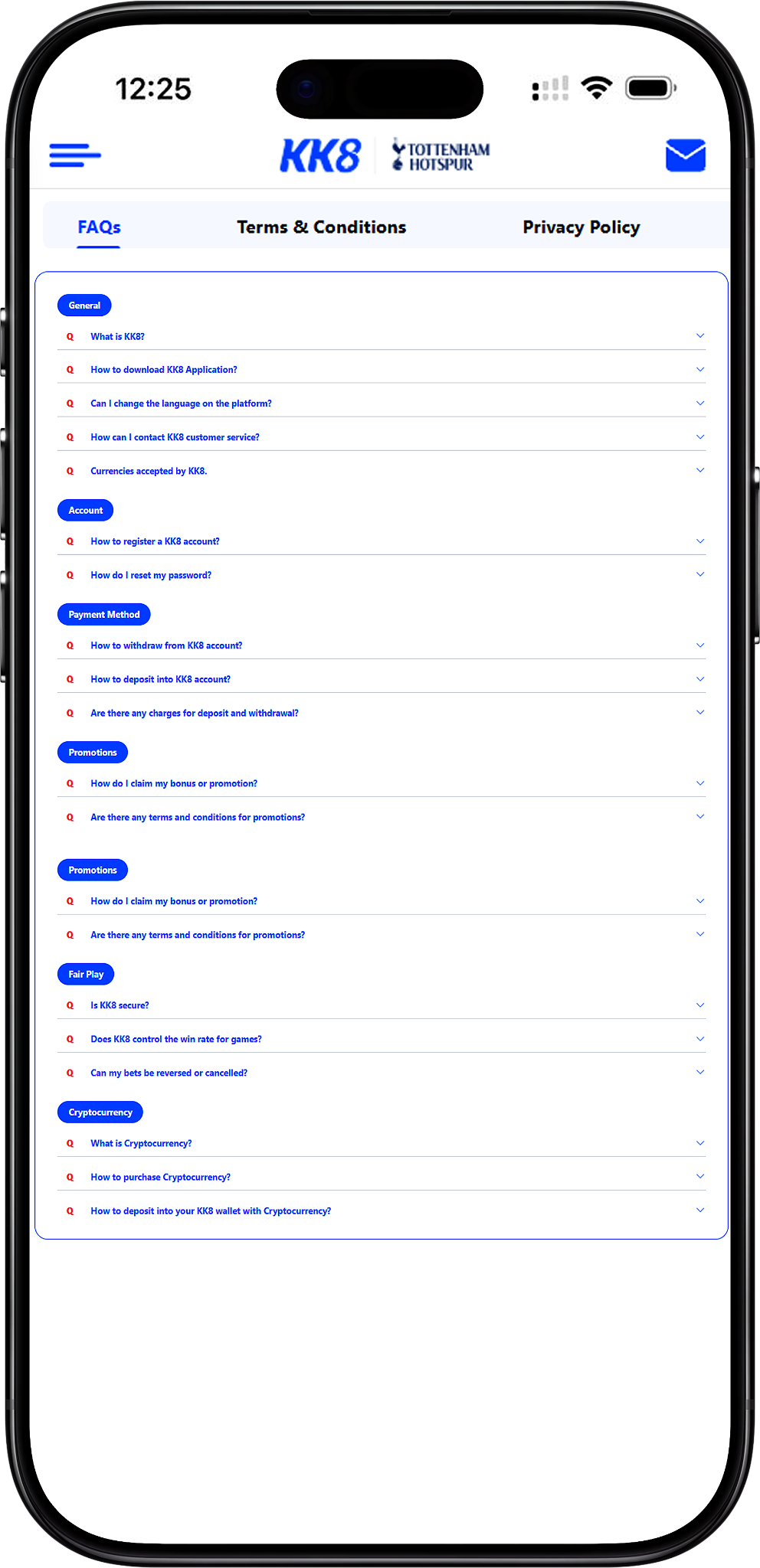
KK8 provides this FAQ hub to help users find practical information about the platform, including account registration, downloads, payments, promotions, fair play and cryptocurrency transactions. Each section focuses on common questions and provides direct guidance based on the available platform information.
Jump directly to General Questions (#general-questions) (Anchor Link), Account Questions (#account-questions) (Anchor Link), Payment Method Questions (#payment-method-questions) (Anchor Link), Promotion Questions (#promotion-questions) (Anchor Link), Fair Play and Security Questions (#fair-play-and-security-questions) (Anchor Link), or Cryptocurrency Questions (#cryptocurrency-questions) (Anchor Link). For more detailed tutorials, visit the User Guide (/en/user-guide) (Internal Link).
Users can access the main website at https://kk8official.com.my/ (Naked URL). Always use the official platform and its listed support channels when handling account, payment or security matters.
General Questions
What is KK8?
KK8 is an online gaming platform offering account-based gaming and related services. According to the information provided by the platform, it operates under a Curaçao gaming licence and uses security measures intended to protect users’ personal and financial information. Users should review the About Us (/en/about-us) (Internal Link) for more information about the platform.
How do I download the KK8 application?
For a safer installation, obtain the application through the platform’s official download channel rather than an unknown third-party source. Go to the KK8 Download (/en/download) (Internal Link), choose the version compatible with your device, download the installation file and follow the on-screen instructions. Android users may need to approve the relevant installation permission in their device settings.
App Download Steps
1. Open KK8 Download (/en/download) (Internal Link). 2. Choose the appropriate app version for your device. 3. Download the installation package. 4. Follow the device prompts to complete installation. 5. Open the installed application and sign in to your account. Avoid unofficial download sources because altered installation files can create security risks.
Can I change the language on the platform?
Yes. On the supported interface shown in the provided information, open Profile from the bottom-right area, scroll to General, select Language and choose your preferred option from the available languages. Interface labels can differ between platform versions.
How can I contact customer service?
Customer assistance is available through the platform’s Live Chat support. For account security, use contact information displayed through official platform channels rather than relying on unknown third-party contacts.
Which currencies are accepted?
The supplied FAQ information lists Malaysian Ringgit (MYR) and Singapore Dollar (SGD) as supported currency options. Available currencies and transaction methods may depend on the user’s account and region, so check the current payment interface before initiating a transaction.
Account Questions
How do I register an account?
New users can begin through the KK8 Register (/en/register) (Internal Link). Depending on the registration options currently available, users may be able to create an account through One-click, phone or email registration. Accurate account information should be provided during the process.
Account Registration Steps
1. Open KK8 Register (/en/register) (Internal Link). 2. Select an available registration method. 3. Enter the required account information. 4. Read and accept the applicable Terms and Conditions (/en/terms-and-conditions) (Internal Link). 5. Complete OTP or other verification when requested. 6. Once registration and verification are complete, use KK8 Login (/en/login) (Internal Link) to access the account.
How do I change or reset my password?
For users who can access their account, the supplied instructions indicate that a password can be changed from Profile under the My Account section. Select Change Password, enter the existing password, create and confirm the new password, then submit the change. Users who cannot remember their current credentials should follow Forget Password (/en/user-guide/forget-password) (Internal Link) rather than repeatedly attempting to sign in.
Password Change Steps
1. Sign in to your account. 2. Open Profile. 3. Select Change Password under My Account. 4. Enter the current password. 5. Create and confirm the new password. 6. Submit the request. 7. Confirm that the interface indicates the password was successfully changed.
Payment Method Questions
How do I withdraw funds from my account?
Start by signing in and opening the withdrawal section. Provide or select the required bank details and withdrawal method, enter the requested amount and review the information before submitting. Funds are transferred through the selected method after the request has been approved and processed, subject to applicable account and transaction requirements.
Withdrawal Steps
1. Access your account through KK8 Login (/en/login) (Internal Link). 2. Open Withdrawal (/en/withdrawal) (Internal Link). 3. Select or add the appropriate bank information where required. 4. Choose an available withdrawal option. 5. Enter the withdrawal amount. 6. Review the details and submit the request. 7. Check the account and withdrawal history for the transaction status.
How do I deposit funds into my account?
Open the Deposit (/en/deposit) (Internal Link) section after signing in and select one of the payment methods currently displayed for your account. Enter the required amount and transaction information, review the details and submit the deposit. Available channels can vary by market and may change over time.
Deposit Steps
1. Sign in and open Deposit (/en/deposit) (Internal Link). 2. Select an available deposit channel. 3. Choose the required bank or payment option where applicable. 4. Enter an amount within the limits shown on the current interface. 5. Enter a promo code or select an eligible promotion only when relevant. 6. Review the payment details carefully. 7. Submit the transaction and follow the payment instructions displayed by the platform.
Which deposit methods are available in Malaysia?
The supplied FAQ material lists EZPAY, Touch ’n Go, FPX, local bank transfer and BTSE for Malaysia. Payment availability can change, so users should treat the live deposit interface as the current source for the channels available to their account.
Which deposit methods are available in Singapore?
The supplied FAQ material lists Acerpay, Safepay, Dgpay, Trustpay, GMPay, EasyPay and BTSE for Singapore. Availability can vary, and users should confirm the currently displayed options before transferring funds.
Are there charges for deposits and withdrawals?
According to the supplied FAQ information, the platform does not impose its own member fee for deposits or withdrawals. However, a bank, card provider, payment service or blockchain network may impose separate transaction charges. Users should check the applicable provider’s fees before confirming a transaction.
| Country | Payment Methods |
|---|---|
| Malaysia | • EZPAY • Touch 'n Go • FPX • Bank Transfer (Local Bank) • BTSE |
| Singapore | • Acerpay • Safepay • Dgpay • Trustpay • GMPay • EasyPay • BTSE |
Promotion Questions
How do I claim a bonus or promotion?
An eligible promotion may be selected during the deposit process or through the KK8 Promotions (/en/promotions) (Internal Link) section, depending on the offer. Before applying, review the promotion’s eligibility rules, minimum deposit, turnover requirements, validity period and other applicable conditions.
Are promotions subject to terms and conditions?
Yes. Promotions can have their own eligibility requirements and offer-specific rules in addition to the platform’s general terms. Users should review the conditions shown with the relevant offer and the Terms and Conditions (/en/terms-and-conditions) (Internal Link) before participating.
Fair Play and Security Questions
Is KK8 secure?
The supplied platform information states that security measures are used to safeguard user and transaction information and that the gaming service operates under licensing arrangements described by the platform. Users should also protect their own credentials, avoid sharing passwords and use only official access and support channels. Read the Privacy Policy (/en/privacy-policy) (Internal Link) for information about personal-data handling and security practices.
Does the platform control game win rates?
The supplied FAQ states that Random Number Generator technology is used for applicable games to produce random outcomes. Game mechanics differ by product, however, so users should consult the relevant game rules, paytable, odds or provider information rather than interpreting short-term results as evidence of a guaranteed return.
Can a bet be reversed or cancelled?
The supplied FAQ states that submitted bets are final and cannot ordinarily be changed or cancelled. Users should therefore verify the event, selection, stake and other details before confirming a wager. The platform’s Terms and Conditions (/en/terms-and-conditions) (Internal Link) should be consulted for the rules governing accepted, voided or otherwise affected bets.
Cryptocurrency Questions
What is cryptocurrency?
Cryptocurrency is a form of digital asset that can be transferred through blockchain networks. USDT is a stablecoin designed to track the value of the US dollar rather than fluctuate in the same way as many other crypto assets. The supplied FAQ identifies USDT as a supported cryptocurrency for relevant platform transactions.
How can I purchase cryptocurrency?
Cryptocurrency can generally be purchased through an appropriate third-party exchange or service available in the user’s jurisdiction. A typical process involves creating an account with the provider, completing any required identity verification, selecting an available payment method and purchasing the desired asset. Users are responsible for evaluating the third-party provider they choose.
Cryptocurrency Purchase Steps
1. Select an appropriate cryptocurrency provider available in your jurisdiction. 2. Register an account with that provider. 3. Complete its required identity-verification process. 4. Select an available payment method. 5. Purchase the intended cryptocurrency. 6. Before transferring funds, verify the asset, blockchain network and destination details required for the transaction.
How do I deposit USDT into my account?
The supplied FAQ instructs users to obtain current cryptocurrency deposit instructions and the latest QR code through 24/7 Live Chat. It identifies USDT as the supported cryptocurrency and states that users should ensure the wallet name matches the account name, avoid third-party deposits and use only the latest address or QR code provided for the transaction. For additional guidance, visit USDT Deposit (/en/user-guide/usdt-deposit) (Internal Link).
USDT Deposit Steps
1. Contact official 24/7 Live Chat for the current deposit instructions and QR code. 2. Confirm that the sending wallet meets the account-name requirements stated by the platform. 3. Check the current minimum deposit and any network or gas fees before transferring. 4. Use only the latest QR code and wallet address supplied for the transaction. 5. Verify the cryptocurrency and network before sending. 6. Keep the transaction record for reference. 7. Contact Live Chat if the transfer remains pending beyond the stated processing period.
What minimum amounts and turnover conditions apply to USDT?
The supplied FAQ states a minimum USDT deposit of 100.00 excluding gas fees and a minimum withdrawal of USDT 100.00. It also states that deposits made without promotions require 1x turnover before withdrawal and that the platform covers the stated withdrawal gas fee. Because cryptocurrency conditions can change, users should confirm the current limits and requirements through the transaction interface or official support before sending funds.
What should I check before a cryptocurrency withdrawal?
Always verify the destination wallet address, cryptocurrency and blockchain network before confirming a withdrawal. Blockchain transactions may be irreversible once sent, and the supplied FAQ warns that users are responsible for providing the correct withdrawal address.
Need More Help With Your Account?
Explore detailed guides for registration, deposits, withdrawals, account settings and other platform features, or use the official support channel when your question involves a specific account or transaction.